How Do I Log Into Oracle Cloud?
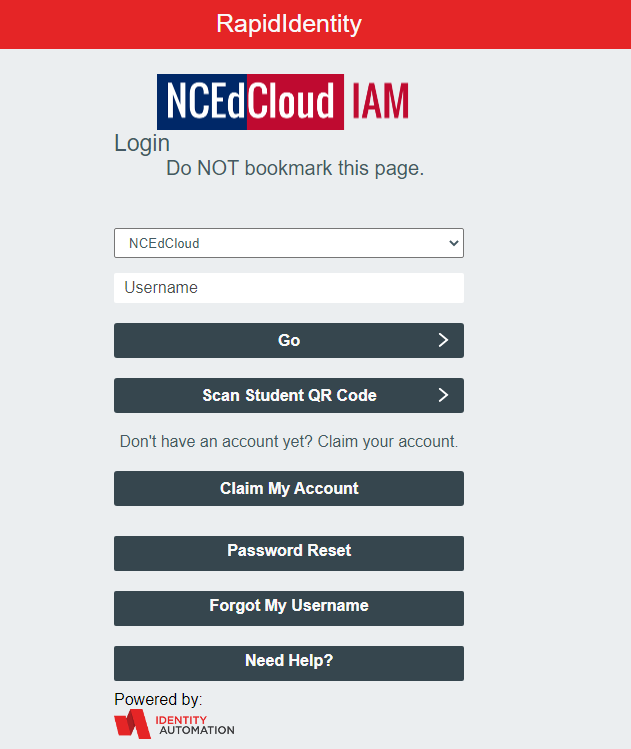
- Type https://eobs.fa.us2.oraclecloud.com/ into your web browser. The link will automatically redirect you to the NCEdCloud sign-in page as shown below.
- Enter your 10-digit UID# as your username. Click “Go” and then type your password then hit return or select Go. Once this information is successfully authenticated, you will be redirected to your Oracle home screen.
Note: If you receive an error message when signing in, please follow the following steps to clear your browser history:
- Left-click the icon that looks like 3 dots in the upper right-hand corner of the internet browser window.
- Move your cursor to History
- Click History again at the top left
- Click Clear browsing data on the left
- Make sure the Time range is set to All Time
- Click Clear data at the bottom of the window
Was this article helpful?
That’s Great!
Thank you for your feedback
Sorry! We couldn't be helpful
Thank you for your feedback
Feedback sent
We appreciate your effort and will try to fix the article